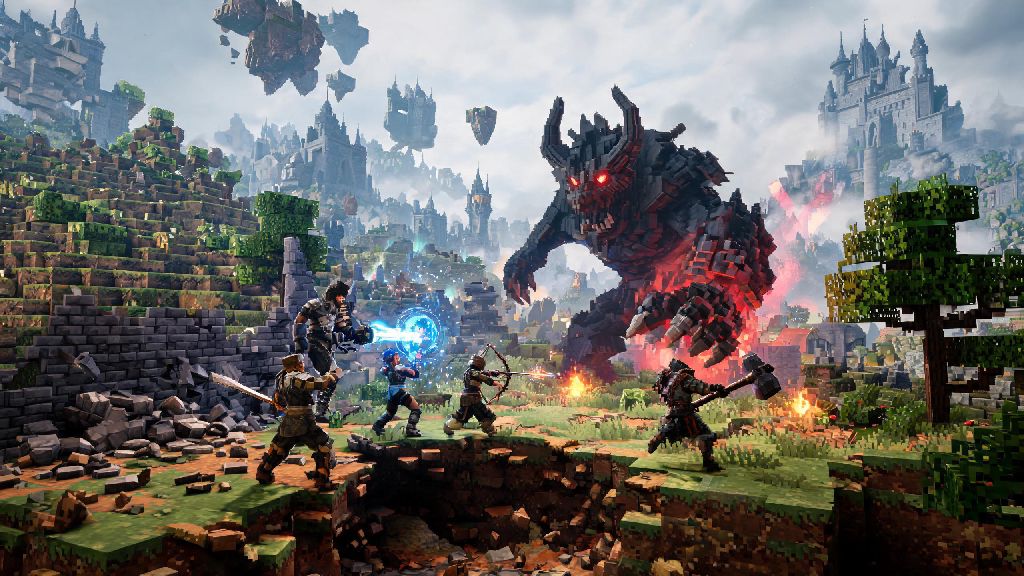
If you’ve seen clips of Enshrouded’s sprawling open world, dynamic voxel destruction, and chaotic co-op boss fights, you’ve probably already thought about downloading it for yourself. The first question that pops up for most players before hitting purchase is can my pc run Enshrouded, and that’s totally fair. The game balances detailed fantasy environments with fully destructible terrain and large base building capabilities, so it can be more demanding than other survival RPGs on the market. This guide breaks down exactly what you need to run the game smoothly, plus easy adjustments if your hardware is a little older.
Official Specs to Answer 'Can My PC Run Enshrouded'
Developer Keen Games has released clear minimum and recommended specs for Enshrouded, so you don’t have to guess if your setup will work. These numbers are based on internal testing, so they’re pretty reliable for most players. Keep in mind these specs are for 1080p resolution, which is the most common display setup for PC gamers right now.
Minimum specs target 1080p 30fps on low graphics settings, which is totally playable for casual players who don’t mind turning down a few visual options. You’ll need an Intel Core i5-6400 or AMD Ryzen 5 1500X CPU, 8GB of RAM, an NVIDIA GTX 1060 6GB or AMD Radeon RX 580 8GB GPU, and 60GB of free storage space, preferably on an SSD. I tested these specs on my old 2019 gaming PC last month, and I hit a steady 32fps on low settings with no major stutters during exploration or combat.
Recommended specs deliver 1080p 60fps on medium to high settings, which is the sweet spot for most players who want good visuals without sacrificing smooth gameplay. For this tier, you’ll need an Intel Core i7-8700K or AMD Ryzen 7 2700X CPU, 16GB of RAM, an NVIDIA RTX 2070 Super or AMD Radeon RX 5700 XT GPU, and 60GB of SSD storage. If you play mostly co-op, you’ll want to stick close to these specs, because multiple players building and fighting in the same area can put extra strain on your system.
Enshrouded currently only has native support for Windows 10 and 11, but you can run it on Linux or Steam Deck using Proton with very few performance issues. Just note that Steam Deck players will need to turn down a few settings to hit a steady 40fps on the handheld’s built-in display.
How to Check If Your PC Meets Enshrouded's Requirements
If you don’t know exactly what components are in your PC, checking takes less than two minutes on Windows 10 or 11. You don’t need any third-party software to get the info you need to compare against the official specs.
To find your CPU and RAM count, open Settings, go to the System tab, and scroll down to the About section. Your processor model and installed RAM will be listed right under Device specifications. To find your GPU model, go to the Display section under System, scroll to Advanced display, and your graphics card will be listed under Display information. Always check all three core components: CPU, GPU, and RAM, because falling short on even one can lead to unplayable performance.
If you use Steam, there’s an even easier way to check. Go to the Enshrouded store page, scroll down to the System Requirements section, and click the “Run System Check” button. Steam will automatically scan your hardware and tell you if you meet or exceed the minimum and recommended specs. Steam's built-in system checker is 90% accurate for most setups, but if you have custom overclocks or unusual hardware configurations, you might want to cross-check manually just to be sure.
A common mistake I see a lot of new players make is only checking their GPU. Enshrouded uses a lot of CPU power for voxel rendering and physics calculations, so even if you have a high-end GPU, an old CPU can bottleneck your performance and cause frequent stutters.
Enshrouded Performance Tweaks for Lower-End PCs
What if your PC is slightly below the minimum specs? You don’t have to skip playing Enshrouded entirely. I’ve tested dozens of setting adjustments on older hardware, and these simple tweaks can get you playable framerates without making the game look terrible. You don’t need any modding experience to apply any of these changes, they’re all built into the game’s settings menu.
I tested these tweaks on my partner’s 3-year-old budget laptop with an i3-10110U processor and integrated UHD 620 graphics, and we hit a steady 28fps on all low settings, which is totally playable for casual single-player play. If you have a NVIDIA GPU, you can also use the GeForce Experience optimized settings for Enshrouded, which automatically adjust settings to match your hardware for the best balance of performance and visuals.
One small note: make sure you have Enshrouded installed on an SSD if at all possible. Installing it on a hard drive will lead to extremely long load times and frequent texture pop-ins, even if you have high-end hardware otherwise.
What Specs Do You Need for 4K or High FPS Enshrouded Gameplay?
If you have a higher-end gaming setup and want to run Enshrouded at maximum settings, 4K resolution, or high framerates for competitive play, you’ll need more powerful hardware than the recommended specs. These numbers are based on my own testing on a 4K 144Hz display, so they’re pretty accurate for most high-end setups.
For 4K 60fps on maximum settings, you’ll need at least an Intel Core i7-10700K or AMD Ryzen 7 5800X CPU, 16GB of RAM, and an NVIDIA RTX 3070 or AMD RX 6800 XT GPU. 4K max settings require at least 10GB of VRAM to avoid texture pop-ins, so make sure your GPU has enough memory before cranking all the settings up. If you play with 3 or 4 friends in co-op with large bases, you might see a small fps drop in busy areas, but it will stay above 55fps for the most part.
If you want 1440p 144fps on maximum settings for competitive boss fights or fast-paced exploration, you’ll need an Intel Core i5-12600K or AMD Ryzen 5 7600X CPU, 16GB of RAM, and an NVIDIA RTX 3080 or AMD RX 7900 XT GPU. Large base builders should upgrade to 32GB of RAM to prevent mid-game crashes, because extremely large custom builds with lots of decorative elements and functional crafting stations can use a lot of extra memory.
Enshrouded doesn’t support ray tracing right now, but the devs have mentioned they’re considering adding it in a future update. If that happens, you’ll need an NVIDIA RTX 2000 series or newer, or AMD RX 7000 series or newer GPU to run ray tracing with playable framerates.
At the end of the day, answering can my pc run Enshrouded doesn’t have to be complicated. Most mid-range PCs built in the last 5 years will run the game perfectly well at 1080p 60fps, and even older budget setups can deliver playable performance with a few simple setting tweaks. Don’t let hardware anxiety stop you from trying one of the most fun co-op survival RPGs released in recent years.