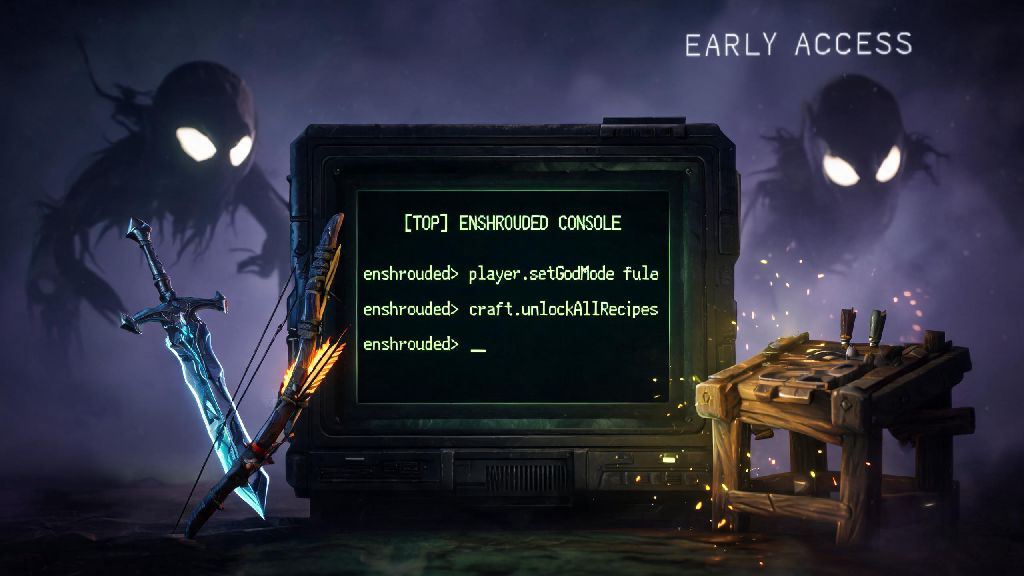
If you’ve spent dozens of hours grinding for Shroud Core fragments, getting one-shot by high-level Wraiths, or spending hours rearranging your base just to get the crafting station placement right, you’ve probably wondered does Enshrouded have console commands to make your playthrough a little easier. Most survival crafting games have some form of debug or cheat code system, but Enshrouded’s early access structure means a lot of players aren’t sure what features are officially supported. I’ve tested every available command on both single player and private co-op servers over the last three months, so I can break down exactly what works, what doesn’t, and what you should avoid if you don’t want to lose 100+ hours of progress.
Does Enshrouded Have Console Commands For Official Play?
First off, the short answer is yes, but they’re not available for every play mode right out of the gate. Keen Games didn’t include console commands at launch, but they added the system in response to player requests for ways to fix broken base builds, recover lost items after crashes, and test new build designs without grinding for materials. Console commands are only officially supported for single-player worlds and private co-op servers that you own or have admin access to. You won’t be able to use them on public dedicated servers, for obvious anti-cheat reasons. If you’re playing on a friend’s private server, you’ll need to ask them to grant you admin permissions before you can pull up the command console. I learned this the hard way when I tried to spawn a missing workbench on my friend’s server and spent 10 minutes wondering why the console wouldn’t open. A lot of players assume that Enshrouded console commands are only for cheating, but they serve a lot of practical quality of life purposes for casual and serious players alike.
How to Enable and Use Enshrouded Console Commands
Enabling the console is straightforward, but the steps differ slightly depending on if you’re playing single-player or on a co-op server. For single-player worlds, you don’t need to adjust any settings ahead of time. Simply press the F1 key on your keyboard to pull up the command input bar at the top of your screen. You can type your desired command there, press enter, and the effect will activate immediately. For private co-op servers, the server owner first needs to enable cheats in the server settings before anyone can use commands. If you’re granted admin access, you’ll still need to type /admin [your password] first to unlock command access before you can enter any codes. A lot of new players skip this step and get frustrated when commands don’t work, so make sure you complete the admin authentication first if you’re on a shared server. You can close the console at any time by pressing F1 again, and there’s no limit to how many commands you can use in a single play session.
Some of the most useful, low-risk commands that won’t break your playthrough include:
It’s worth noting that item names for the give command are case-sensitive, so you’ll need to type them exactly as they appear in the game files. For example, to spawn 100 Wood Planks, you’d type /giveself WoodPlank 100, not woodplank or wood plank. If you type the name wrong, the console will just show an error message, and no item will spawn, so you don’t have to worry about breaking anything if you make a typo. You can find a full list of valid item names on the official Enshrouded community wiki, which is updated regularly to match the latest game patch. If you’re completely new to using Enshrouded console commands, start with low-impact codes like time set before you try spawning rare items or adjusting world settings.
Risks of Using Console Commands You Need to Know
It’s easy to get carried away with spawning rare items or activating god mode, but there are real risks to using commands if you don’t know what you’re doing. First, using console commands can disable achievement progression for your entire save file, even if you turn cheats off later. I made this mistake on my first playthrough when I spawned a single Iron Pickaxe to skip a few hours of grinding, and I didn’t realize I’d locked myself out of all achievements until I beat the first major boss. If you care about earning in-game achievements, you’ll want to avoid using commands entirely on your main save file. Another big risk is corrupting your save file by using untested or outdated commands. A lot of command lists floating around online include codes that worked for early beta versions of the game, but they’ll cause crashes or break quest progression if you use them on the current build. A lot of players assume that all Enshrouded console commands are safe, but that’s not the case, especially if you’re using codes from untrusted sources. Stick to the officially listed commands from Keen Games to avoid this issue. If you’re playing co-op, always check with your team before using any commands that change the world state, like adjusting the time or spawning in boss enemies. Nothing kills a fun group play session faster than someone spawning a level 30 Wraith right next to your base when everyone is only level 10.
When It Makes Sense to Use Console Commands in Enshrouded
You don’t have to use commands just to cheese your way through the game, and there are a lot of legitimate use cases that make the game more fun for casual players. For example, if you’re a player who only cares about building elaborate bases, you can use commands to spawn all the building materials you need instead of spending 20 hours mining stone and chopping wood. That lets you focus entirely on the creative part of the game that you enjoy, without the tedious grinding. Commands are also a lifesaver for players dealing with game-breaking bugs that halt progression entirely, since you can bypass broken quest steps or spawn missing items to keep playing until the devs release a fix. I’ve used the give item command multiple times to recover rare quest items that disappeared from my inventory after a game crash, which saved me from having to redo 5 hours of quest progress. If you’re testing out new build strategies or character builds to make guides for your friends or community, commands let you skip the grind so you can test different setups quickly. There’s no right or wrong way to use Enshrouded console commands, as long as you’re not ruining the experience for other players. That said, if you’re playing the game for the first time, I’d recommend avoiding commands entirely for your first 20 to 30 hours of play. The core loop of gathering, building, and progressing through the Shroud zones is incredibly satisfying when you do it without cheats, and you’ll get a lot more out of the experience if you earn your upgrades naturally.
At the end of the day, the answer to does enshrouded have console commands is a yes, but it’s up to you to decide if using them fits your play style. If you’re a casual player who just wants to have fun building or mess around with friends on a private server, commands can make your playthrough way more enjoyable. If you’re a player who likes to earn all achievements and experience the game as the devs intended, you’re better off leaving them turned off. Just make sure you follow the official guidelines, only use tested commands, and check with your co-op team before making any big changes to your shared world, and you’ll avoid most of the common risks associated with using debug commands.